
If your tankless water heater suddenly stops working or isn’t heating water properly, you might be wondering where the reset button is. Knowing the exact location of your tankless water heater’s reset button can save you time and frustration.
You’ll discover simple, clear steps to find and use the reset button, helping you get your hot water back quickly. Keep reading—your comfort might depend on it.

Credit: www.youtube.com
Common Tankless Water Heater Models
Many popular tankless water heater brands have different models. Each model may place the reset button in unique spots. Some common brands include Rinnai, Bosch, Noritz, and Takagi.
Models from these brands often have the reset button near the control panel or inside a small cover. Some may require removing a panel to find it. Others place it on the front or side of the unit.
Model variations affect the location and type of the reset button. For example, a Rinnai RL Series might have the button under the control panel, while a Bosch Therm 520 places it on the side.
Knowing your specific model helps in quickly finding the reset button without hassle.

Credit: www.youtube.com
Reset Button Basics
The reset button on a tankless water heater is a safety feature. It helps to protect the unit from damage. It stops the heater if it gets too hot or if there is an electrical problem. Pressing this button can restart the heater after a fault.
Use the reset button only when the heater stops working or shows error signs. This includes no hot water or strange noises. Do not press it repeatedly. If the heater trips often, call a professional to check it. The reset button helps fix minor issues quickly.
Locating The Reset Button
The reset button is usually found in three common places on a tankless water heater. First, it may be located inside the unit, behind a small panel. This panel often needs a screwdriver to open.
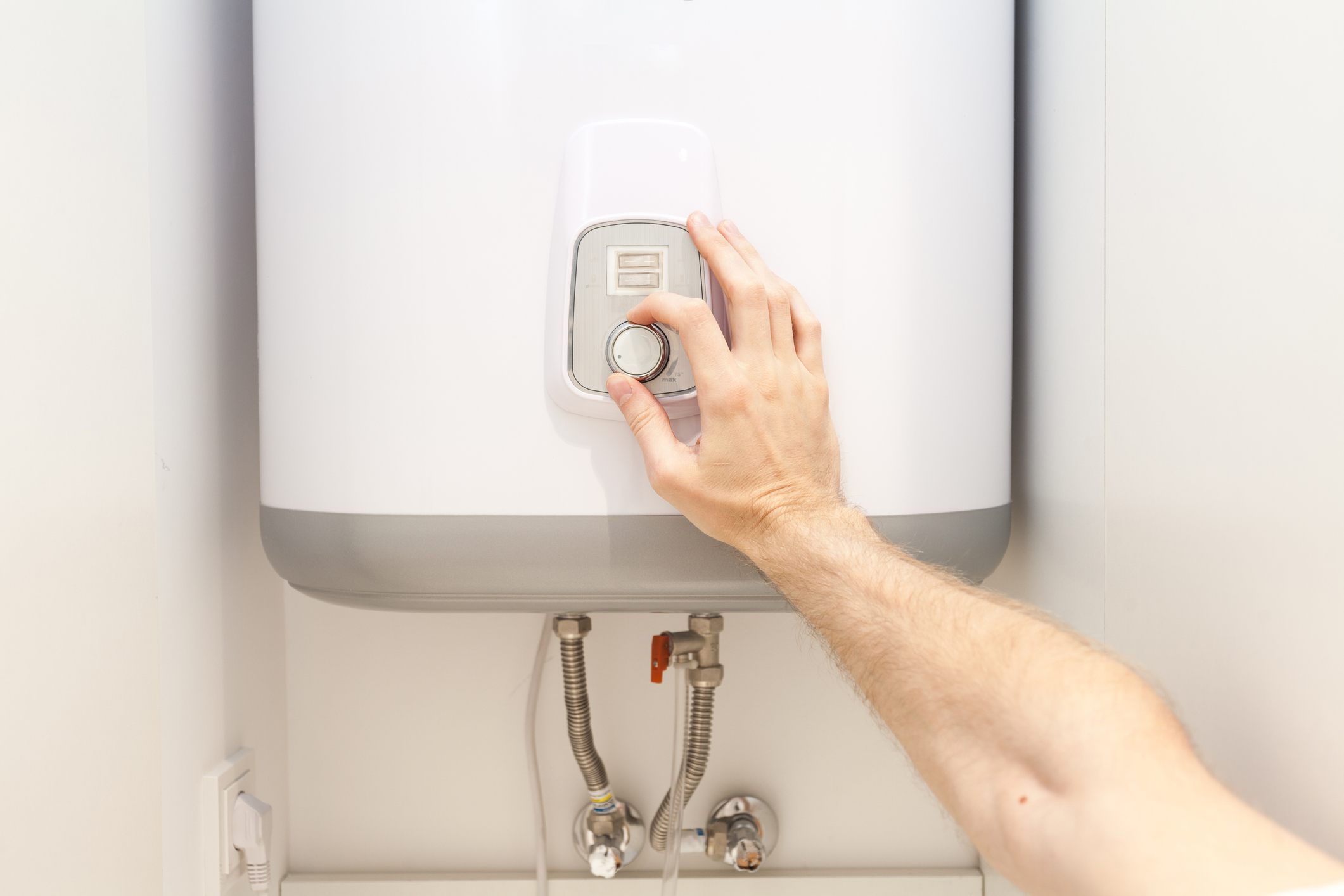
Second, check on the control panel. Some models have a visible reset button near the temperature controls or display screen. It is often red or labeled clearly.
Third, the reset button might be near the power source. Look close to the electrical connection or circuit breaker box linked to the heater. This area sometimes holds the reset switch for safety reasons.
Step-by-step Reset Process
Turn off the power to the tankless water heater. This step is important for safety. Wait a few minutes to let the unit cool down. Wear gloves to protect your hands during the reset.
Locate the reset button. It is usually red and found on the heater’s front panel or near the thermostat. Press and hold the button for about 5 seconds. Release it and wait for the heater to restart.
Check the water temperature to ensure the reset worked. If the heater runs normally, the reset was successful. If problems persist, the unit may need professional service.
Troubleshooting Without The Reset Button
Some tankless water heaters do not have a visible reset button. Alternate reset methods include turning off the power supply for a few minutes, then turning it back on. This can help clear minor errors in the system.
Another method is to switch off the breaker connected to the heater. Wait for about five minutes before switching it back on. This acts like a reset for the device.
If the unit has a control panel, look for a reset option in the menu. Follow the instructions in the user manual to reset through the panel.
When to call a technician: If the heater still does not work after trying these steps, professional help is needed. Problems like faulty wiring or broken parts require expert repair. It is safer to avoid fixing these issues alone.
Credit: americanhomewater.com
Frequently Asked Questions
Where Is The Reset Button On A Tankless Water Heater?
The reset button is usually located behind the access panel on the front. It may be near the thermostat or burner area. Check your heater’s manual for the exact spot to avoid damage.
How Do I Reset My Tankless Water Heater Safely?
First, turn off the power supply and gas valve. Press and hold the reset button for 5-10 seconds. Release it, then restore power and gas to restart the heater safely.
Why Does My Tankless Water Heater Need A Reset?
Resetting clears error codes caused by overheating or system malfunctions. It helps restore normal function without professional help. Frequent resets may signal underlying issues requiring service.
Can I Find The Reset Button Without A Manual?
Yes, the reset button is often red and clearly marked. Look behind the front panel or near the gas control valve. If unsure, consult the manufacturer’s website or support.
Conclusion
Finding the reset button on your tankless water heater helps solve many issues fast. This small step can save time and money on repairs. Always turn off the power before pressing the reset button for safety. Remember, the button is usually near the burner or control panel.
Knowing its location means you can fix simple problems yourself. Keep this guide handy for quick reference. Staying calm and careful makes the process easier. Regular checks help keep your water heater working well longer. Simple actions can make a big difference.